Apple silicon, from the A4 to the M6.
58 A, M and S chips in one format, offline on your iPhone, ready to compare two at a time.
Coming soon to the App Store
One-time purchase · iPhone · iOS 18.6 or later
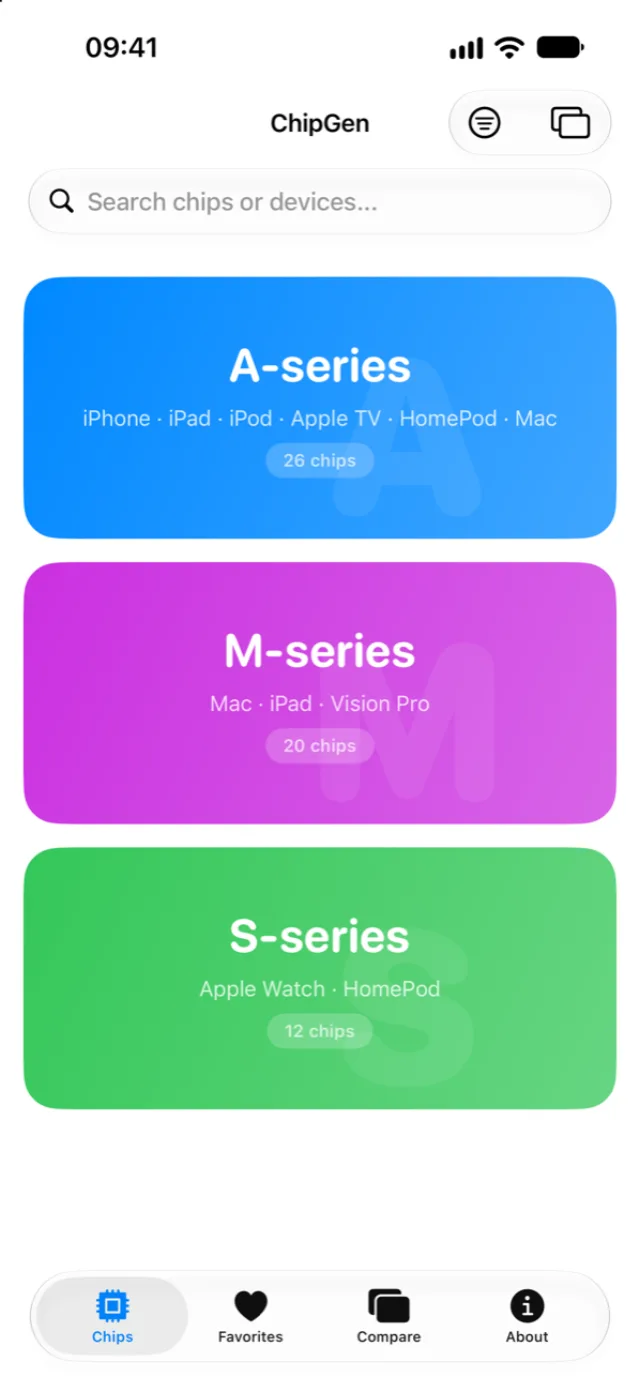
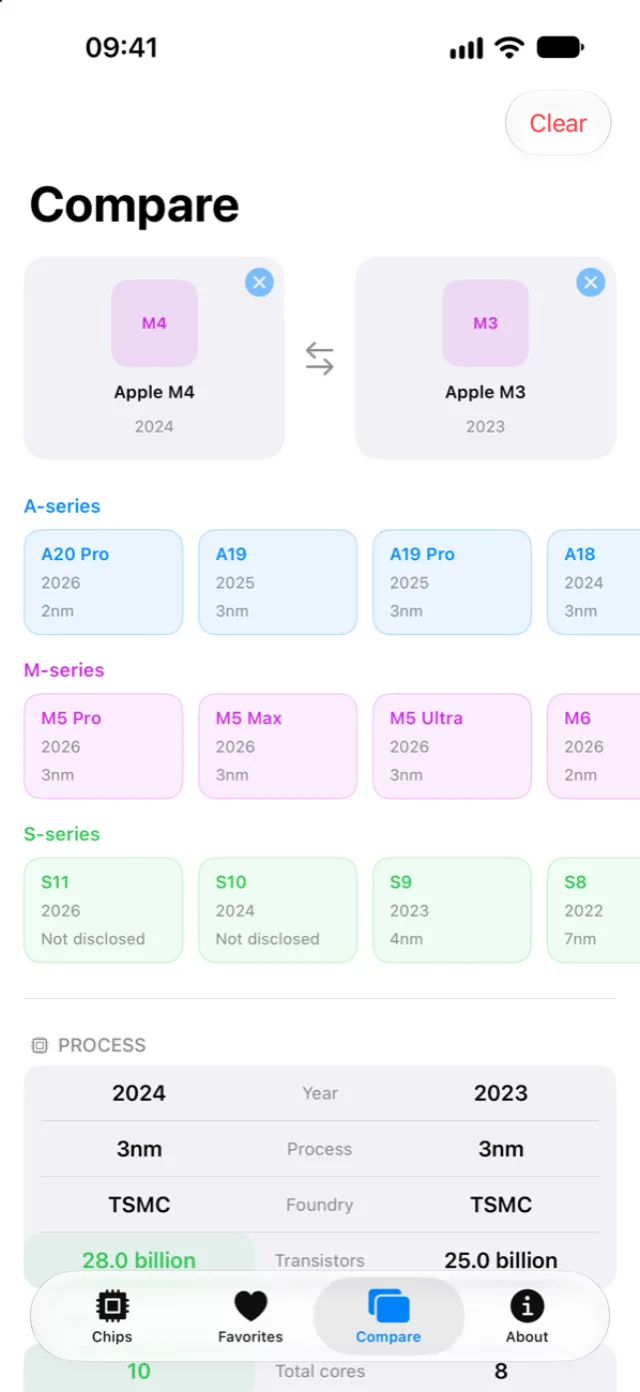
The A, M and S series, chip by chip.
Pick a family to see its chips the way the app lists them.
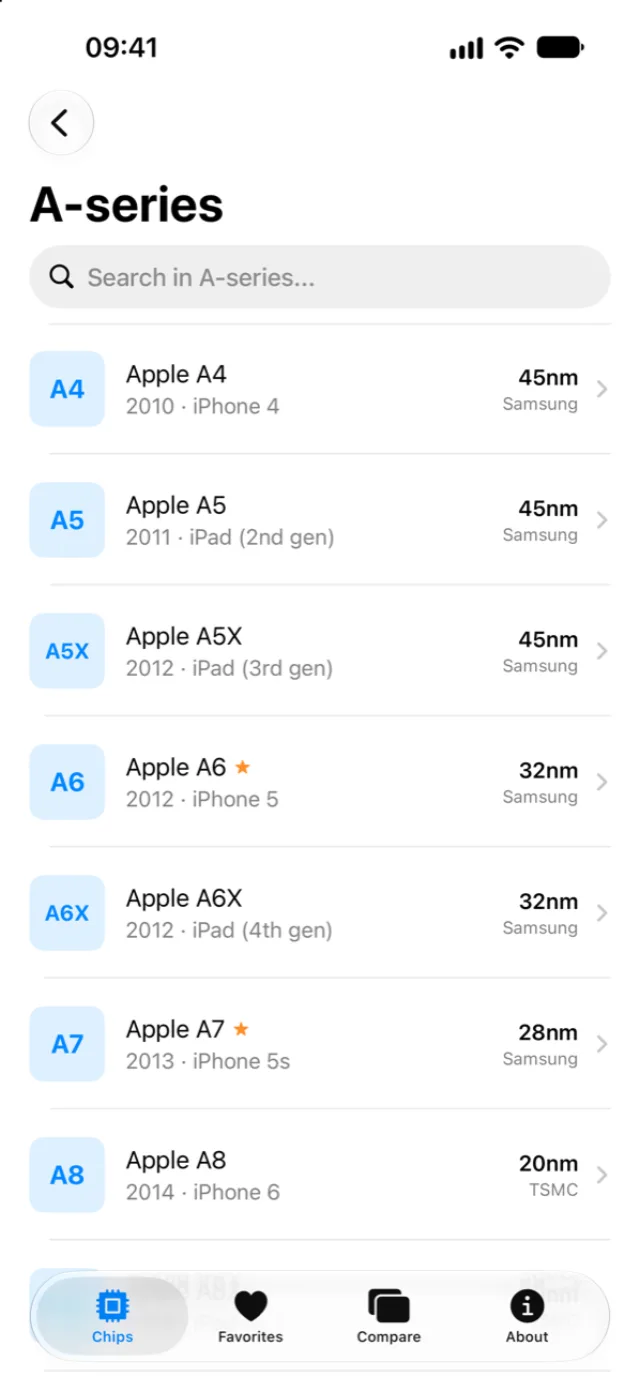
Put any two chips side by side.
ChipGen marks the better figure on every row, so you see where the M4 pulls ahead of the M3 without doing the math.
| Spec | Apple M4 | Apple M3 |
|---|---|---|
| CPU cores | 10 | 8 |
| GPU cores | 10 | 10 |
| Neural Engine | 38 TOPS | 18 TOPS |
| Memory bandwidth | 120 GB/s | 100 GB/s |
| Geekbench 7 single‑core | 3,278 | 2,775 |
| Geekbench 7 multi‑core | 15,388 | 11,935 |
Open a chip and read it tab by tab.
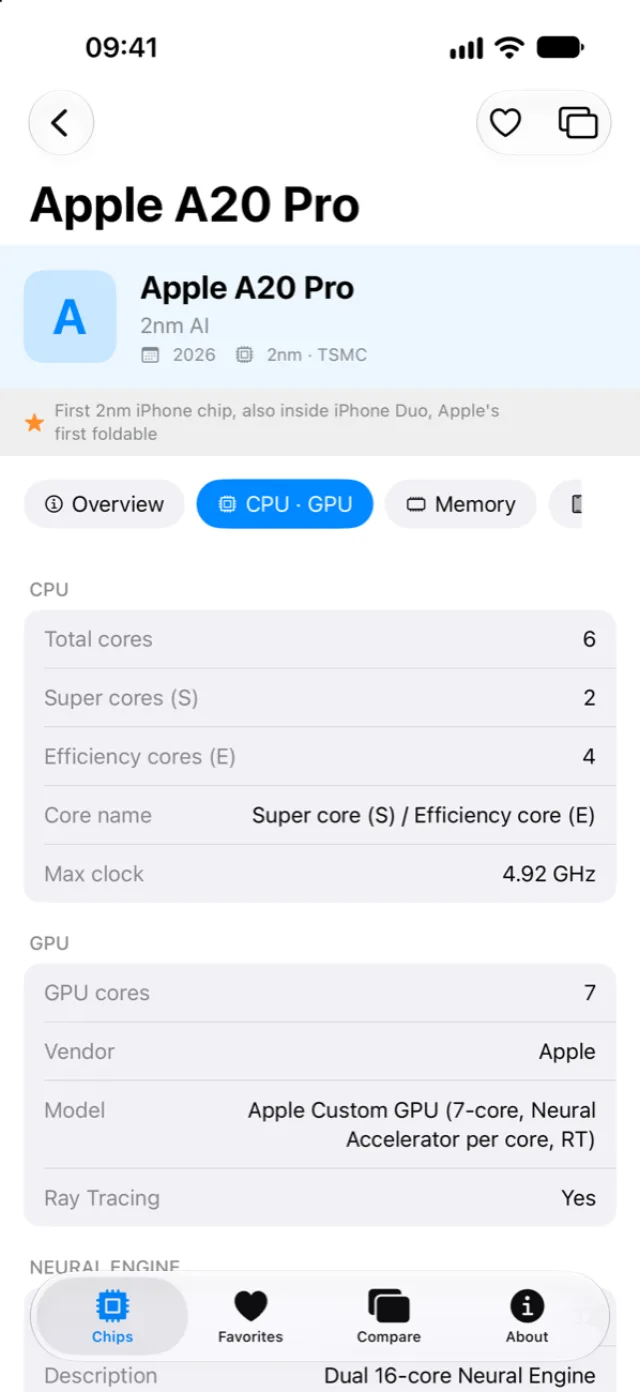
You read the A20 Pro across four tabs, from its 2nm process to the iPhone Duo. ChipGen writes “Not disclosed” for figures Apple hasn’t published, such as this chip’s memory type.
- Overview
- Process and architecture, with the chip’s key improvements.
- CPU · GPU (in the screenshot)
- CPU and GPU cores, Neural Engine and Geekbench 7 scores.
- Memory
- RAM type and capacity, with memory bandwidth.
- Devices
- The devices that use the chip, model by model.
ChipGen works in airplane mode.
Offline
The 58 chips sit inside the app, so you can browse and compare them with no connection.
No ads
You buy ChipGen once, with no subscription. No banner gets between you and the next chip.
No data collected
ChipGen needs no account and collects nothing. Your favorites stay on your iPhone.
Sixteen years of Apple silicon, on your iPhone.
Coming soon to the App Store
One-time purchase · iPhone · iOS 18.6 or later